Wednesday, October 30, 2019
Monday, October 21, 2019
Monday, October 7, 2019
Tuesday, October 1, 2019
BLOG 6- Photoshop
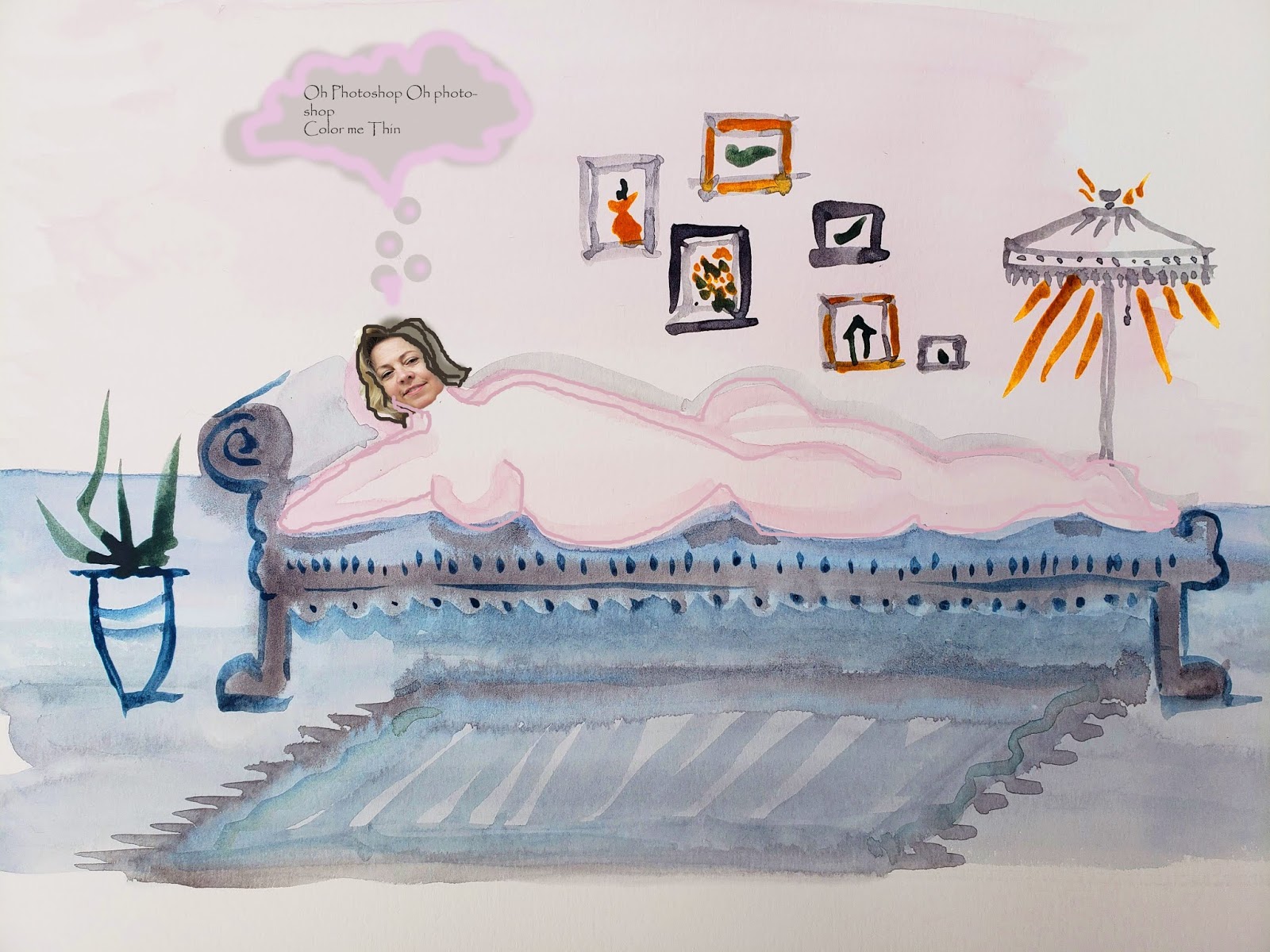
Photoshop
Photoshop is
alive and well and it is safe to say that the majority of images we see on a
daily basis have been photoshopped, whether it is a mild edit or an extreme
edit. The idea of limiting creative
license in the say, fashion industry, strikes me as censorship. If a magazine wants to alter things to the
extreme, great. I feel people understand
that fashion is art and design, but I tend to overestimate people. A title page in a magazine stating they use
photoshop should suffice. However, the
idea of altering photos in journalism strikes me as misrepresentation and would
harm the integrity of a publication.
I am new to
photoshop but I can’t wait to lengthen my legs, trim my waist and enlarge my
eyes!
Wednesday, September 25, 2019
Pun ASSIGNMENT
Create a visual pun.
(TIME BOMB, JAIL BIRD, BIRD BRAIN)
Your assignment is to create a visual pun using Photoshop. The assignment is structured to allow the
student to gain comfort in the use of several Photoshop tools. A variety of selection tools (marquee, lasso,
magic wand, crop) should be used in conjunction with a variety of retouch tools
(clone stamp, healing brush, spot healing brush, patch tool) in order to create
a seamless image that translates into a visual pun.
Rules and Ideas:
-
The final work may use images taken from the
internet. Some sites to consider:
o iStock
Photo
o Google
Image Search
o Getty
Images
o Corbis
o Fotosearch
o Bing
image search
-
The work should be set to 72 dpi, therefore, it is not
necessary to change the resolution of the images taken from the internet, but they
may need to be resized or transformed.
-
The final work must contain a minimum of 2 photographs
-
The final work must appear a seamless as possible.
-
A minimum of three visual puns should be made.
-
Post the work to your Blog site.
Ideas for visual
puns:
Watch Dog Serial
Killer
Fan Club Star Fish
Second Hand Store Money Order
Water Closet Dr. Pepper
Strong Box Dragon Fly
Photo Bug Fire Drill
Bookworm Dreadlock
Loud Tie Jack Frost
Toothpick Flower Bulb
Gatorade Super Bowl
Handcuffs Screw Ball
Horse radish Jack Straw
Fireman Shoe Horn
Wisdom Tooth Jar Head
Mail Man I pod
Boxing Match Horse Shoe
Book Worm Rock Band
Butterfly Rock Star
Moth Ball Home Run
Garden Hose Back Lash
Horse Fly Big Money
Eye Ball Fruit Punch
Handball Deviled Eggs
Football
Fan Club Star Fish
Second Hand Store Money Order
Water Closet Dr. Pepper
Strong Box Dragon Fly
Photo Bug Fire Drill
Bookworm Dreadlock
Loud Tie Jack Frost
Toothpick Flower Bulb
Gatorade Super Bowl
Handcuffs Screw Ball
Horse radish Jack Straw
Fireman Shoe Horn
Wisdom Tooth Jar Head
Mail Man I pod
Boxing Match Horse Shoe
Book Worm Rock Band
Butterfly Rock Star
Moth Ball Home Run
Garden Hose Back Lash
Horse Fly Big Money
Eye Ball Fruit Punch
Handball Deviled Eggs
Football
You will be graded on the following:
Seamlessness of image – Points (10 points per) will be deducted for
obvious (TIME BOMB, JAIL BIRD, BIRD BRAIN)
Tuesday, September 24, 2019
BLOG 5 B&W
Instructions for Black and White and Color Blog
Black and white imagery can be very dramatic. That drama can be manipulated with a little color showing through in parts. The Adjustment Layer option in Photoshop is perfect for this project. To get to the option, got to LAYER < ADJUSTMENT LAYER < BLACK AND WHITE. Next you can manipulate the black and white image by moving the scrubby buttons. You can reveal the color below the layer by painting on the Layer Mask with a black or white brush.For you next blog, each student should make a minimum of 3 images that are black and white with a touch of color.
Tuesday, September 17, 2019
Blogger 4- Scanner Darkly
I am having my first bit of success in photoshop. I'm not even sure this is the assignment but I am so happy I am posting it. Aesthetically I like it as well.
Subscribe to:
Posts (Atom)
-
Create a visual pun. Your assignment is to create a visual pun using Photoshop. The assignment is structured to allow the stu...
-
Images from my files, I use layers and filters. I am playing with textures, contrast, highlights to create visual interest and my iconog...